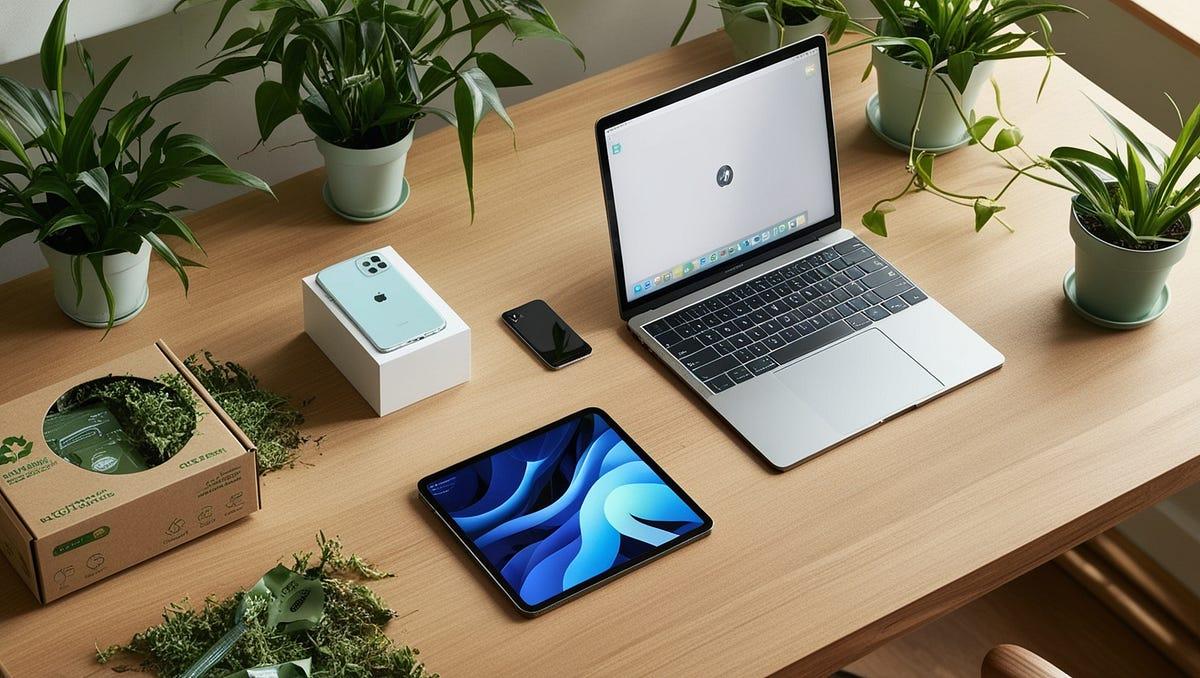
Building a reliable technology setup can be expensive, especially when you’re a university student, freelancer, or remote worker in Spain. A capable laptop, smartphone, monitor, and printer can quickly stretch your budget before you’ve even purchased a keyboard or headphones.
Fortunately, buying refurbished technology can make it easier to assemble a practical workspace without paying brand-new prices for every device.
Refurbished laptops, tablets, smartphones, monitors, and accessories can offer useful savings when you choose the right specifications and check the device’s condition carefully. Platforms such as Back Market España make it possible to explore different categories in one place.
This guide explains which refurbished tech is worth prioritising, what specifications matter, and how to build a budget-friendly setup that supports studying, working, and everyday productivity.
1. Start With a Refurbished Laptop
For most students and remote workers, a laptop should be the first major purchase. It handles assignments, spreadsheets, video meetings, research, presentations, and freelance projects.
Instead of choosing the cheapest available model, look for a balance between performance, battery life, portability, and price.
For everyday work, aim for a reasonably modern processor, at least 8 GB of RAM, and a 256 GB SSD. If you regularly keep many browser tabs open, edit media, or run demanding applications, 16 GB of RAM and a larger SSD are worth considering.
A 13- or 14-inch laptop is convenient for commuting between university, libraries, cafés, and home. A larger screen may be preferable if you mostly work at a desk.
Explore refurbished laptops on Back Market España to compare MacBooks, Windows laptops, and other options.
Budget tip: Prioritise performance and battery health over premium finishes. A dependable business laptop can be a better investment than an older luxury model with impressive looks but limited remaining usability.
2. Add a Refurbished Tablet for Flexible Studying
A tablet isn’t essential for everyone, but it can be useful for students who read digital textbooks, annotate lecture notes, or attend classes on the move.
Freelancers may also use a tablet to review documents, sketch designs, present ideas, or manage tasks away from their main workstation.
Look for a screen that is comfortable for reading, sufficient storage for your files, and compatibility with a stylus or keyboard if you need those accessories. Check software support before buying an older model.
A tablet can complement a laptop, but it shouldn’t replace one if your course or job requires desktop applications or extensive multitasking.
Browse refurbished tablets on Back Market España to compare available options.
Smart saving idea: If you already own a suitable smartphone and laptop, consider postponing the tablet purchase until you know whether handwriting or touchscreen features would genuinely improve your routine.
3. Choose a Reliable Refurbished Smartphone
A smartphone supports more than calls and messages. Students use it for authentication, campus communications, scanning documents, and organising schedules. Remote workers depend on it for video calls, mobile hotspots, and staying connected while travelling.
You don’t necessarily need the newest flagship. Look for a device with dependable battery performance, enough storage, a good camera, and ongoing software security updates.
For most everyday users, 128 GB of storage is a sensible starting point, especially if you take photographs or download files frequently. Check network compatibility and eSIM support if these features matter to you.
Explore refurbished smartphones on Back Market España to compare Android phones and iPhones.
Before purchasing, review the battery condition, cosmetic grade, warranty, and return terms. A slightly older phone in good working condition may provide better value than paying extra for features you rarely use.
4. Upgrade Your Workspace With a Refurbished Monitor
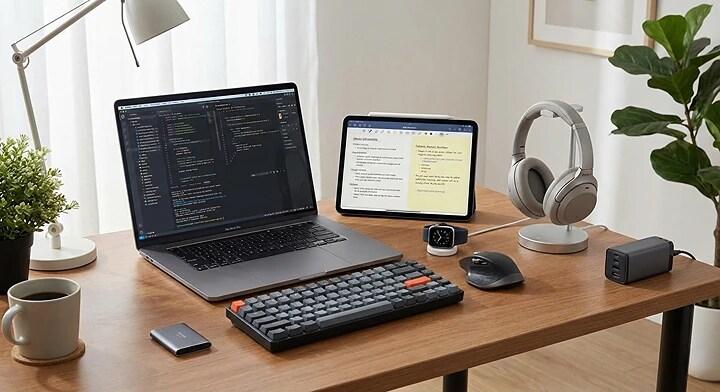
If you work remotely or spend hours writing assignments, a separate monitor can improve comfort and make multitasking easier.
A 24-inch Full HD monitor is a practical starting point for general office work, online research, spreadsheets, and video meetings. Higher resolutions may be useful for design work, detailed images, or larger screens.
Check the available ports, such as HDMI or DisplayPort, and confirm that your laptop supports the connection. You may need an adapter or docking station.
A monitor can be particularly valuable when working with two documents simultaneously or keeping a video meeting open while taking notes.
Browse refurbished monitors on Back Market España to compare screen sizes and specifications.
Practical tip: Before buying a monitor, measure your desk. A screen that fits comfortably can be more useful than a larger model that leaves little room for your keyboard and notebooks.
5. Buy a Printer Only If You Really Need One
Printers can be useful for students who regularly print lecture notes, research papers, or assignments. Freelancers may need one for contracts, invoices, and physical documents.
However, printing everything at home isn’t always economical. If you only print occasionally, a university library or local print shop may cost less than purchasing and maintaining a printer.
If you decide to buy one, compare inkjet and laser models. Inkjet printers can be suitable for colour documents and occasional photographs, while monochrome laser printers are often practical for frequent black-and-white printing.
Check replacement ink or toner costs, connectivity, duplex printing, and scanner functionality. The purchase price is only part of the total cost.
Explore refurbished printers on Back Market España to compare available devices.
6. Don’t Overlook Essential Accessories
A few carefully chosen accessories can make a budget setup considerably more comfortable.
Start with an external keyboard and mouse if you work at a desk for long periods. Add a laptop stand to raise your screen closer to eye level, and consider a headset with a microphone for online meetings.
A USB-C hub can help connect monitors, storage devices, and other peripherals, provided it supports your laptop’s ports and capabilities.
You can also explore refurbished accessories on Back Market España for compatible peripherals and workspace essentials.
Avoid buying accessories simply because they look useful. Start with the items that solve a genuine problem in your daily routine.
7. Check Quality, Battery Health, and Warranty
Refurbished doesn’t simply mean second-hand. Professional refurbishers typically inspect, test, clean, and repair devices where necessary, but condition and replacement components can vary.
Before purchasing, check the cosmetic grade, battery information, included accessories, operating system compatibility, and return conditions.

Back Market España states that its marketplace products include a two-year commercial warranty provided by the seller and a 30-day period to change your mind, subject to its applicable terms.
These protections can make refurbished purchases more reassuring, but they don’t eliminate the need to check product details carefully.
Also confirm that the laptop supports the software you need. Students should check university application requirements, while freelancers should consider their specific creative, development, or business tools.
8. Build Your Setup in the Right Order
You don’t need to purchase every device at once. A phased approach helps you spend money where it makes the biggest difference.
Start with a laptop capable of handling your essential tasks. Add a smartphone only if your existing one needs replacing. Next, consider a monitor if you work primarily at a desk, followed by accessories that improve comfort and productivity.
A tablet and printer can wait unless your studies or work specifically require them.
Compare the total cost of your setup rather than focusing on individual discounts. Leaving room in your budget for software, repairs, or unexpected expenses is just as important as choosing the right hardware.
FAQs
Is refurbished tech good enough for university?
Yes. A suitable refurbished laptop can handle writing assignments, research, presentations, online classes, and everyday study tasks.
Should I buy a refurbished laptop or tablet first?
For most people, a laptop comes first because it supports a wider range of productivity tasks. Choose a tablet first only if your needs are primarily reading, note-taking, or lightweight mobile work.
Can refurbished technology save money?
It can, depending on the model, condition, and current price. Compare specifications, warranty coverage, and the cost of essential accessories before deciding.
What’s the biggest mistake when buying refurbished tech?
Choosing based on price alone. An inexpensive device may become a poor investment if its battery is weak, its software is no longer supported, or it cannot run the applications you need.
Final Thoughts
Building a budget-friendly technology setup doesn’t require buying everything new. By prioritising a capable laptop, choosing complementary devices carefully, and investing in useful accessories, students and remote workers in Spain can create a practical workspace without overspending.
Back Market España offers categories covering refurbished laptops, tablets, smartphones, monitors, printers, and more, making it easier to compare potential purchases.
The smartest setup isn’t the one with the most devices. It’s the one that helps you study, work, and stay productive while keeping your budget under control.