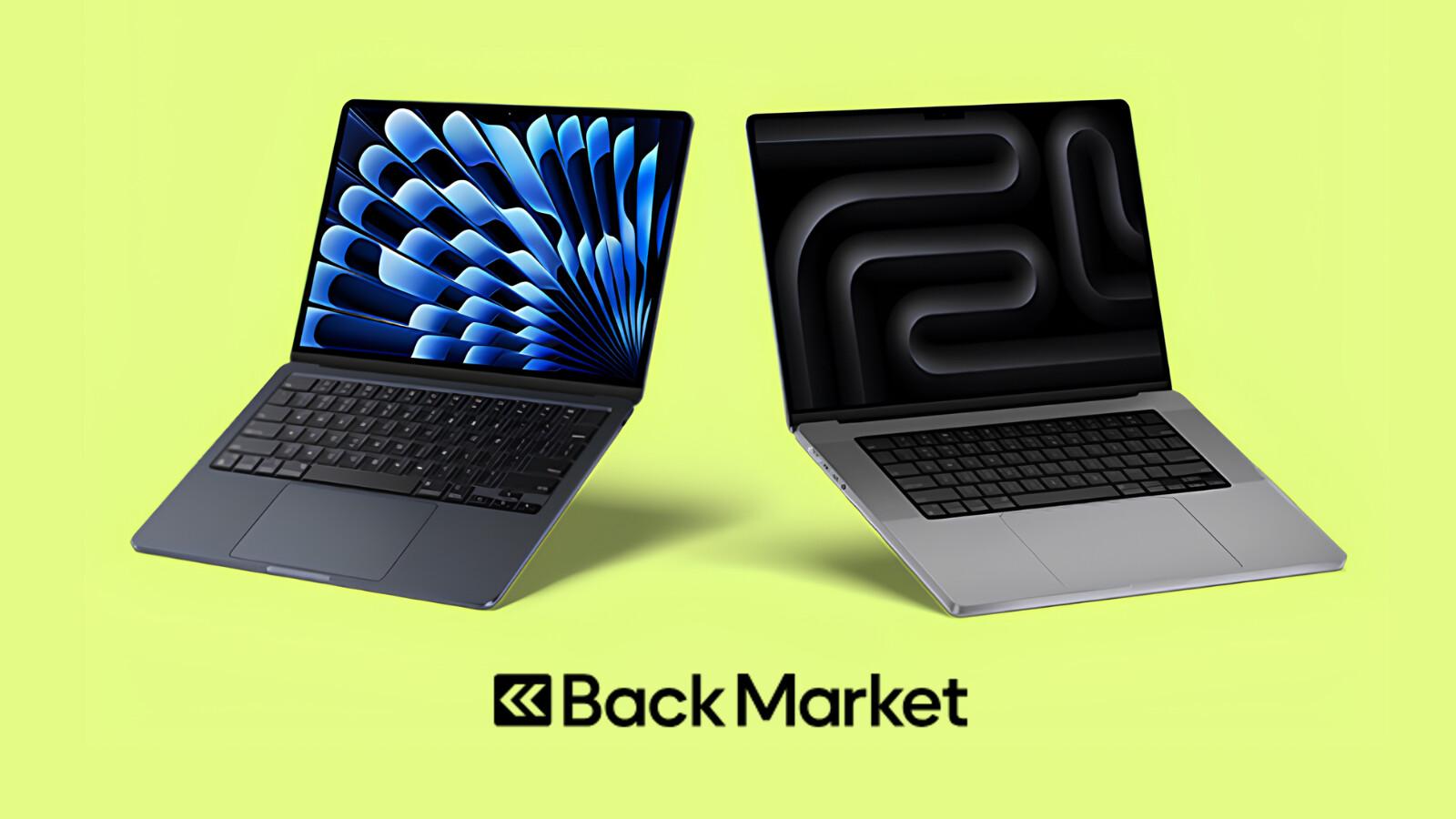
Choosing a dependable laptop for work or university does not always mean buying a brand-new device. Back Market España laptops give shoppers an opportunity to compare refurbished computers from established manufacturers while considering their budget, performance needs, and preferred features. Whether you need a laptop for online classes, spreadsheets, video calls, or remote work, the right refurbished model can provide a practical balance between price and everyday performance.
For students and professionals in Spain, choosing carefully is especially important when a laptop will be used daily. Processor generation, RAM, SSD storage, battery health, screen quality, and warranty coverage all influence the experience. This refurbished laptop buying guide explains what to check before purchasing and how to find a model suited to your routine.
Why Consider Back Market España Laptops?
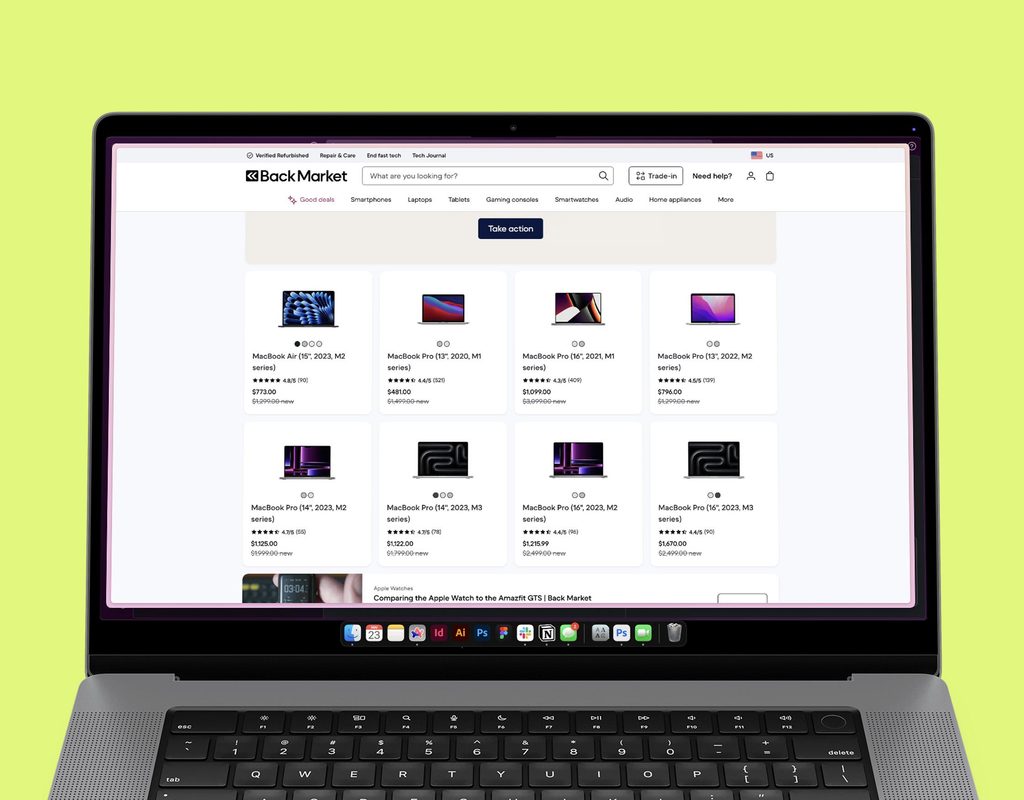
Back Market operates as a marketplace connecting customers with professional refurbishers. Its Spanish laptop listings include models from brands such as Lenovo, HP, Dell, Apple, and Microsoft, with availability and prices changing over time.
The platform advertises a two-year commercial warranty and a 30-day trial period in Spain, subject to its applicable terms. Review the conditions attached to your order before purchasing.
Potential benefits of buying refurbished include:
- Lower upfront cost: Some refurbished models cost less than comparable new devices.
- More choice: Compare business laptops, MacBooks, lightweight notebooks, and other computer types.
- Useful specifications: Older premium or business-class models may offer features suitable for everyday productivity.
- A more resource-conscious purchase: Refurbishing can extend a laptop’s useful life and reduce demand for new electronics.
However, not every refurbished laptop is the right choice. A low price may reflect an older processor, limited storage, a worn battery, or a keyboard layout that does not suit you. Always compare the full specification and condition.
Choose the Right Laptop Processor
The processor affects how quickly a laptop handles applications, multitasking, and demanding workloads. When comparing Back Market España laptops, consider the processor model and generation rather than relying only on labels such as Core i5 or Core i7.
For general work and study, look for a modern-enough processor that meets the requirements of your operating system and applications. A laptop used for documents, browsing, and video calls has different needs from one used for coding, data analysis, or video editing.
Which Processor Is Suitable for You?
- Everyday study: A capable Intel Core i3 or i5, or a suitable AMD Ryzen 3 or Ryzen 5, may be sufficient depending on generation.
- Remote work: An Intel Core i5 or AMD Ryzen 5-class processor is a reasonable starting point for frequent multitasking.
- Creative workloads: Compare higher-performance processors and graphics capabilities based on the software you use.
- Specialised software: Check the application’s official system requirements before buying.
Processor names alone do not guarantee performance. Compare the exact generation, number of cores, thermal design, and supported operating system.
Check RAM Requirements and SSD Storage
RAM helps a computer run multiple applications at once. Too little memory can cause slowdowns when several browser tabs, office applications, and video meetings are open together.
For many buyers, 8 GB of RAM is a practical baseline for basic tasks, while 16 GB is preferable for heavier multitasking and longer-term flexibility. Software requirements vary, so check what your applications need and whether the laptop’s RAM can be upgraded.
Storage matters too. An SSD generally offers faster startup and application loading than a traditional mechanical hard drive.
Consider these starting points:
- 256 GB SSD: Suitable for documents, browsing, and cloud-based workflows with limited local storage.
- 512 GB SSD: A useful balance for work files, applications, and personal documents.
- 1 TB SSD: Worth considering for large media libraries, creative projects, or extensive offline files.
Check whether the SSD is replaceable and whether the laptop supports future upgrades. Some thin laptops have soldered memory or storage configurations that limit expansion.
Evaluate Battery Health and Portability
Battery health is particularly important for students attending classes or professionals working away from a desk. A laptop that needs frequent charging may be inconvenient even if its processor and storage are suitable.
Back Market’s quality information describes battery standards for its marketplace, but individual laptop listings can have different conditions or options. Read the exact listing carefully, including whether a new battery is specified.
Before buying, consider:
- Battery condition and any stated capacity or replacement information.
- Manufacturer-rated battery life, remembering that real-world results vary.
- Laptop weight and charger size.
- Availability of a compatible replacement battery.
- Whether your typical day includes long periods away from a power outlet.
If you plan to carry the laptop around Madrid, Barcelona, Valencia, or between home and campus, a lightweight 13- or 14-inch model may be easier to transport than a larger workstation.
Check Screen Quality, Keyboard, and Webcam
A laptop’s display and input devices affect comfort during long working sessions. Screen size alone does not tell you whether a device is suitable for your needs.
Review the resolution, brightness, panel type, and any touchscreen features. A Full HD display is often a useful starting point for office work and study, while creative users may need better colour accuracy.
The keyboard deserves special attention for buyers in Spain. Check the keyboard layout and language before ordering. A Spanish QWERTY keyboard may be more convenient if you regularly type Spanish accents and punctuation.
Also check:
- Webcam and microphone quality for online meetings.
- Trackpad condition and keyboard responsiveness.
- Screen scratches, dead pixels, and hinge condition.
- USB-A, USB-C, HDMI, audio, and other required ports.
These details can make a bigger difference to daily usability than a small processor upgrade.
Understand Laptop Condition Grades and Warranty Coverage
Refurbished laptops may be sold in different cosmetic condition grades, such as Correcto, Muy bueno, Excelente, or other labels used on the marketplace. These descriptions generally relate to visible wear, while the exact grading criteria should be checked on the relevant product page.
Cosmetic condition is not the same as performance. A laptop with minor marks may work perfectly, while a visually attractive device still needs to meet your technical requirements.
Before buying Back Market refurbished laptops, review:
- The cosmetic condition description.
- The exact processor, RAM, and storage specifications.
- Battery information and included charger.
- The applicable warranty and return terms.
- The seller or refurbisher details.
Back Market Spain advertises a two-year commercial warranty and 30 days to reconsider a purchase. Check the applicable terms and exclusions, and keep your order details in case you need support.

Match the Laptop to Your Budget and Daily Needs
The best purchase is the one that meets your actual requirements without paying for features you will not use. A student writing assignments may not need a high-end workstation, while a remote worker handling large spreadsheets may benefit from more RAM and a better display.
Use this simple checklist before placing an order:
- Identify the applications you use most often.
- Set a maximum budget, including any accessories.
- Choose a suitable processor, RAM amount, and SSD capacity.
- Check battery details, screen condition, and keyboard layout.
- Confirm ports, Wi-Fi, webcam, and operating-system compatibility.
- Compare the refurbished price with equivalent new models.
- Review warranty, return terms, and included accessories.
This process helps you compare refurbished laptops Spain shoppers can find online without being distracted by discounts alone.
Frequently Asked Questions
1. Are Back Market España laptops refurbished?
Yes. Back Market is a marketplace where professional refurbishers sell refurbished laptops. Model availability, cosmetic condition, specifications, and included accessories vary by listing.
2. How much RAM should a refurbished laptop have?
For basic study and office tasks, 8 GB can be sufficient. For frequent multitasking, heavier workloads, or greater flexibility, 16 GB is generally a better target.
3. Is a refurbished laptop good for remote work?
It can be. Prioritise a reliable processor, sufficient RAM, SSD storage, a working webcam and microphone, suitable connectivity, and battery performance that matches your work routine.
4. Should I choose an SSD or HDD?
An SSD is generally preferable for everyday laptop use because it offers faster startup and application loading. Check the actual storage type and capacity listed for the model.
5. What should I check in laptop condition grades?
Review the description of cosmetic wear, screen condition, keyboard, battery information, included charger, and technical specifications. A cosmetic grade does not replace checking performance requirements.
6. Do Back Market España laptops come with a warranty?
Back Market Spain advertises a two-year commercial warranty and a 30-day trial period. Confirm the specific order’s terms, exclusions, and return conditions before buying.
Conclusion: Find a Refurbished Laptop That Fits Your Routine
Back Market España laptops offer a practical starting point for comparing refurbished computers for work, study, and remote productivity. The best choice balances processor performance, RAM, SSD storage, battery health, screen quality, and a comfortable keyboard with a price that fits your budget.
Before purchasing, read the exact product listing, verify the Spanish keyboard layout if needed, and review the warranty and return conditions.
Ready to compare your options? Browse Back Market España refurbished laptops to explore available models and choose a laptop suited to your work or study needs.